Mac dictation comparison

Local Wispr Flow alternative.

Choose Just Speak for offline dictation and one-time pricing. Choose Wispr Flow for cloud intelligence, teams, and more platforms.

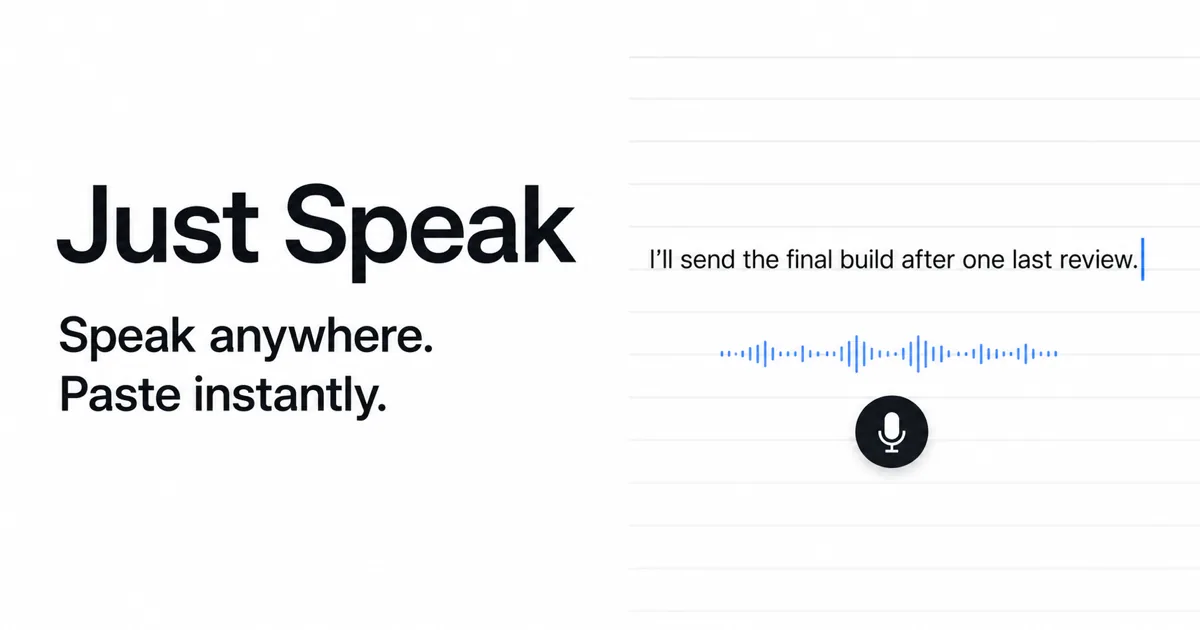
Just Speak dictation arriving as text at the Mac cursor
Local by defaultWhisper runs on your Mac
$29 onceNo recurring app subscription
No accountStart the trial after download
Apple SiliconFocused on M1 or newer Macs
01 / Short answer

The better choice depends on what you want your dictation app to optimize.

Both products let you speak into text fields. Their underlying tradeoffs are different enough that there is no honest universal winner.

Choose Just Speak when local control is the priority.

Just Speak is deliberately narrow: press a hotkey, transcribe, and paste into the active Mac field. Local Whisper is the default, the trial needs no account, and the app uses one-time pricing.

  • You want dictation that can work offline
  • You prefer a one-time personal license
  • You mainly dictate on an Apple Silicon Mac
  • You want optional cloud transcription to use your own provider key

Choose Wispr Flow when breadth matters more.

Wispr Flow is a cloud-powered dictation platform with team features and support across more device types. It is likely the better fit if you want a managed service and broader platform coverage.

  • You work across Mac, Windows, iPhone, or Android
  • You want team administration and shared controls
  • You prefer cloud processing and service-managed improvements
02 / Side by side

Just Speak vs Wispr Flow.

The table focuses on practical purchase decisions, not feature-count marketing.

Decision pointJust SpeakWispr Flow
Default processingLocal Whisper on your MacCloud transcription
Offline useYes, with a downloaded local modelNo for transcription
Cloud optionOptional OpenAI or Groq with your API keyCore service, managed by Wispr Flow
Price$29 one-time personal licensePro listed at $15 per user per month, billed annually
Free access7 days or 50 dictationsBasic plan lists 2,000 words per week; Pro lists a 14-day trial
AccountNo account for the trialAccount required
PlatformsApple Silicon MacMac, Windows, iPhone, and Android
Best fitPrivate, focused personal dictationCross-platform use and organizations

Wispr Flow facts checked August 12, 2026 from its official plan page, privacy page, and terms. Plans and features can change. Swingby is not affiliated with Wispr Flow.

What local-first dictation changes.

In Just Speak, local mode means speech recognition happens on the Mac through Whisper. Once the model is downloaded, that workflow does not require an internet connection and does not upload the recording for transcription. This is useful for travel, unstable networks, and conversations you would rather keep off a third-party transcription service.

Local processing has a tradeoff. Speed and accuracy depend on your Mac, the model you select, your microphone, and the language you speak. A cloud service can use larger managed systems without asking your laptop to do the same work.

Optional cloud does not erase the distinction.

Just Speak also supports OpenAI and Groq as explicit, bring-your-own-key choices. When you choose one, audio goes directly to that provider under its terms. Your API key and audio do not pass through a Swingby server. There is no automatic provider switch or hidden fallback from local to cloud.

This makes Just Speak flexible without changing its default. You can stay fully local, or decide that cloud speed is worthwhile for a particular workflow. Read the exact handling details in the Swingby Privacy Policy.

What you give up with a focused tool.

Just Speak is not trying to match every feature of a larger dictation platform. It currently targets Apple Silicon Macs. It does not offer a managed team console, an organization-wide vocabulary system, or native mobile and Windows apps. If those are part of your purchase requirement, Wispr Flow is the more complete option.

If your requirement is simpler, speaking into Mail, Slack, Notes, an IDE, or an AI prompt without adding another subscription, the smaller scope can be the advantage.

03 / FAQ

Questions before switching.

Is Just Speak a completely offline Wispr Flow alternative?

Local Whisper is the default and works offline after its model is downloaded. Just Speak also offers optional OpenAI and Groq transcription only when you explicitly select a provider and enter your own API key.

Does Just Speak require an account?

No account is required to download Just Speak and use its free trial. A license key unlocks the paid app on one Mac.

Can Just Speak dictate into coding tools?

Yes. It pastes into the active Mac text field, including editors, terminals that accept standard text input, issue trackers, AI coding tools, and browser forms. See the developer dictation guide.

Which option is better for teams and multiple platforms?

Wispr Flow is the broader option for teams and people who need Mac, Windows, iPhone, or Android support. Just Speak is focused on individual Apple Silicon Mac users who want a local-first workflow.

Test local dictation on your own Mac.

Download Just Speak free. Buy the $29 license only if it earns a place in your workflow.

Download for Mac