Developer voice workflow

Developer voice dictation.

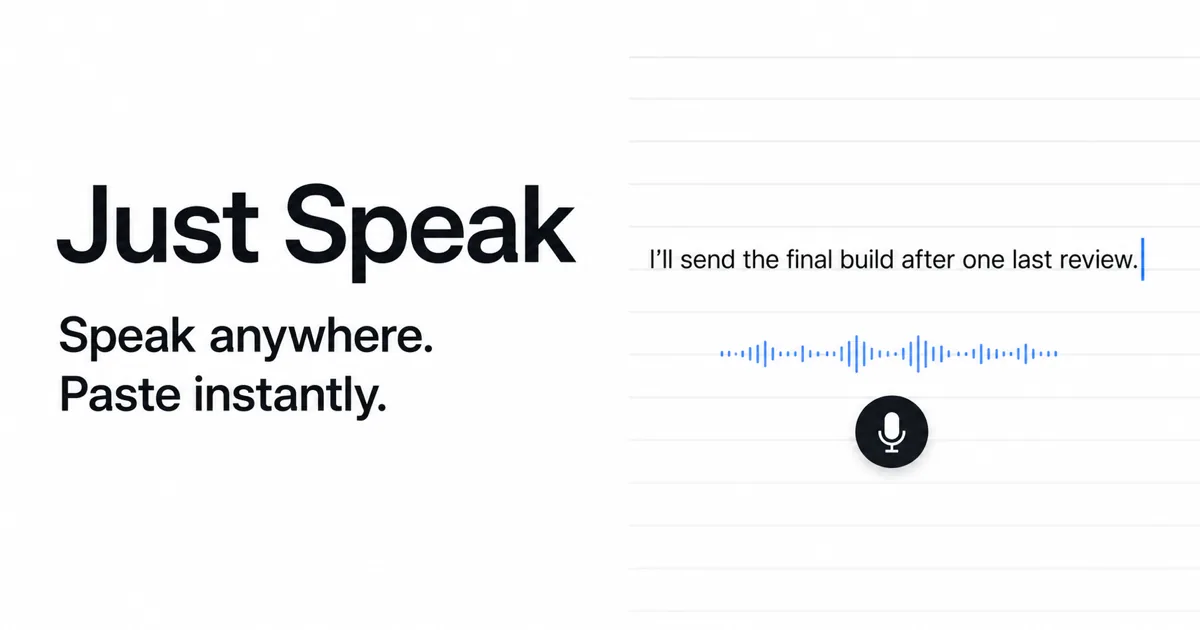
Talk through prompts, bug reports, code reviews, and documentation. Just Speak pastes the transcript at your active cursor.

Just Speak dictation becoming cursor-ready text on a Mac
Any text fieldEditors, browsers, notes, chat
Local WhisperOffline by default
One hotkeySpeak, transcribe, paste
$29 onceNo app subscription
01 / Where it helps

Use your voice for the prose around the code.

Developer work contains a surprising amount of explanation. Dictation is strongest when the thought is longer than the command.

High-context work becomes easier to start.

Describe a bug while the reproduction steps are still fresh. Explain a refactor to an AI coding agent. Draft a review comment without breaking concentration to type every clause.

  • AI coding prompts with constraints and acceptance criteria
  • Issue reports with context, reproduction steps, and impact
  • Pull request summaries and code review feedback
  • Architecture notes, comments, and documentation drafts

Keep the keyboard for precision.

Voice is not the fastest input for symbols, exact identifiers, or short shell commands. A useful developer workflow switches between speaking and typing instead of forcing one method everywhere.

  • Speak the explanation
  • Type exact code and commands
  • Edit names, punctuation, and paths

A practical developer dictation loop.

  1. Put the cursor where the text belongs. Open your editor, issue tracker, browser prompt, or notes app.
  2. Press the Just Speak hotkey. Say the complete thought naturally. Include intent, constraints, and the outcome you want.
  3. Let the transcript paste. Just Speak transcribes and inserts the text into the active field.
  4. Make the precision pass. Fix identifiers, code symbols, file paths, and any product-specific vocabulary before submitting.

This loop is especially useful with AI coding tools. A good agent prompt often needs more context than a developer wants to type: what changed, which files are in scope, what must stay unchanged, how to verify the result, and where uncertainty remains. Speaking that structure can make a complete prompt easier to produce.

Dictation is input, not an autonomous coding layer.

Just Speak does not run commands, modify files, or decide what your coding agent should do. It turns speech into text at the cursor. That boundary keeps the product useful across tools and makes the final submit action visible to you.

In a terminal, compatibility depends on whether the current input accepts standard pasted text. Always inspect commands before running them. Dictation can mishear flags, paths, punctuation, and package names, so shell commands are usually better typed directly.

Local mode for sensitive technical context.

Local Whisper is the default. After the model is downloaded, speech recognition can work offline and the recording does not need to leave your Mac. That can be valuable when a prompt contains unreleased product details, internal code names, or incident context.

You can also explicitly select OpenAI or Groq and provide your own API key. In that mode, audio goes directly to the chosen provider under its terms, not through Swingby servers. Just Speak never silently moves a local session to cloud transcription.

Improve results without inventing benchmark numbers.

Accuracy varies with the model, microphone, language, speaking style, and background noise. The most reliable way to evaluate it is to use the free trial with your actual technical vocabulary.

  • Speak full phrases instead of isolated fragments.
  • Pause briefly between prose and exact identifiers.
  • Review uncommon library names and acronyms.
  • Use the model Just Speak recommends for your Mac, then adjust if needed.

02 / Fit check

Where voice works, and where it does not.

Use dictation for semantic density. Use the keyboard for syntactic precision.

TaskVoice fitRecommended approach
AI agent promptStrongSpeak context and constraints, then review before submitting
Bug reportStrongNarrate the sequence while it is fresh, then add exact versions
Code reviewStrongExplain reasoning by voice, then verify names and line references
DocumentationStrongDraft paragraphs by voice and edit for structure
Shell commandWeakType directly and inspect before execution
Source codeMixedSpeak comments or intent, type exact syntax
03 / FAQ

Developer dictation questions.

Can I use voice dictation inside a code editor?

Yes. Just Speak inserts transcription into the active Mac text field, so it can work in editors, AI coding tools, issue trackers, documentation apps, and compatible terminal input fields.

Does Just Speak write or change code automatically?

No. Just Speak is a dictation layer. It transcribes what you say and pastes the result at your cursor. Your editor, terminal, or coding agent handles the next action.

Can developer dictation stay offline?

Yes. Local Whisper is the default and works offline after the selected model has downloaded. Optional cloud providers are used only when you explicitly select one.

Does it understand programming terms perfectly?

No speech recognizer is perfect with every library, identifier, and acronym. Test your own vocabulary during the trial and review exact technical tokens before you submit or execute anything.

Give your next long prompt a voice.

Try Just Speak for 7 days or 50 dictations. No card or account required.

Download for Mac